
How to Set Up Keyword Auto Replies That Customers Actually Like
Simple keyword rules can answer the top questions in seconds. Learn how to plan them, write them and avoid robotic replies.
By UnboxChat Team
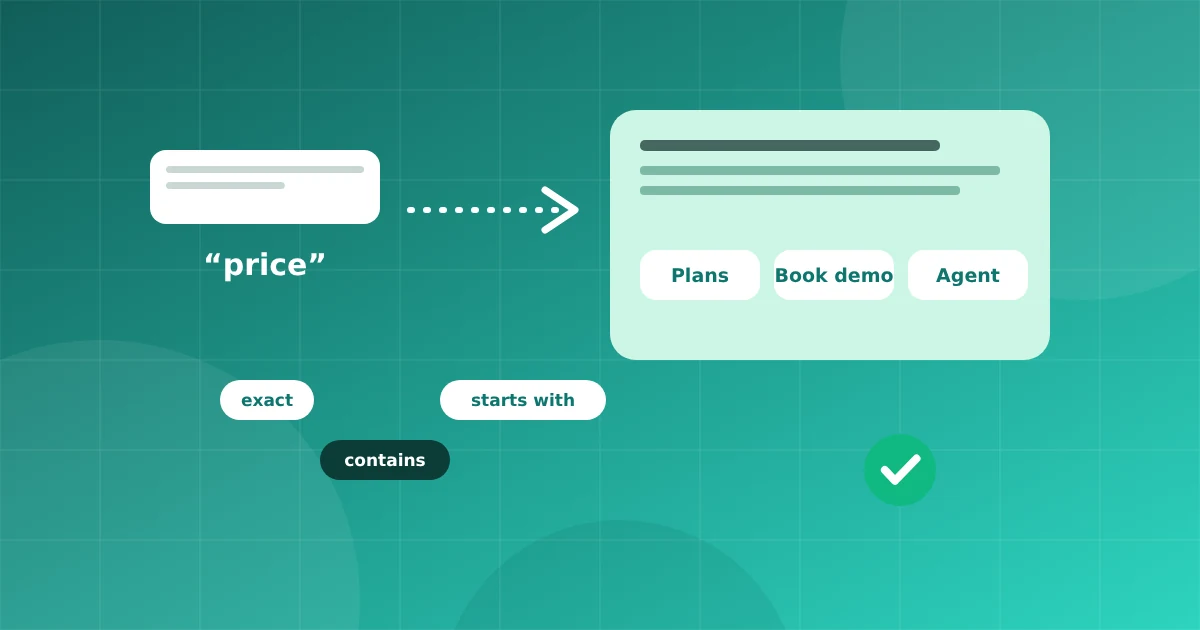
Look at your last hundred chats. Chances are a big share of them ask the same things: price, location, timing, order status. Keyword auto replies answer these in seconds, any hour of the day.
How keyword triggers work
You define a word or phrase, and a matching rule. When a customer message matches, the system sends a reply you prepared. Rules can match exactly, contain the word, or start with it.
Step 1: List your top questions
Write down the ten most common questions. Group them: pricing, location, hours, delivery, returns, support.
Step 2: Pick sensible keywords
Use words customers really type, including common spellings and short forms. For pricing you might use "price", "rate", "cost" and "charges". Add Hinglish variants if your customers use them.
Step 3: Write short replies
Keep replies friendly and brief. Answer the question first, then offer the next step.
Our store is open 10 AM to 8 PM, Monday to Saturday. Want directions? Reply MAP.
Step 4: Use buttons and lists
Buttons make it easy to continue. A reply with three buttons, such as "Prices", "Track order", "Talk to agent", guides people without typing.
Step 5: Always offer a human
Put "Talk to agent" in your main menu. Automation should reduce work, not trap people. When someone asks for an agent, pause the bot for that chat and assign it in the inbox.
Step 6: Handle the unknown
Create a fallback for messages that match nothing. A good fallback says what you can help with and offers a human. You can also let an AI chatbot answer unmatched questions from your own content.
Mistakes to avoid
- Keywords that are too broad and trigger on every message
- Very long replies
- No way to reach a person
- Forgetting to update replies when prices or hours change
Test like a customer
Send each keyword from another phone. Check spelling variants and that buttons work.
Measure
After a few weeks review which rules fire most and which questions still reach agents. Add rules for those. Over time your inbox gets quieter, and agents spend their day on conversations that need a person.