
Sell on WhatsApp: Catalog, Orders and Payments in One Chat
Let customers browse products and pay without leaving the chat. This guide covers catalogs, product messages and payment links.
By UnboxChat Team
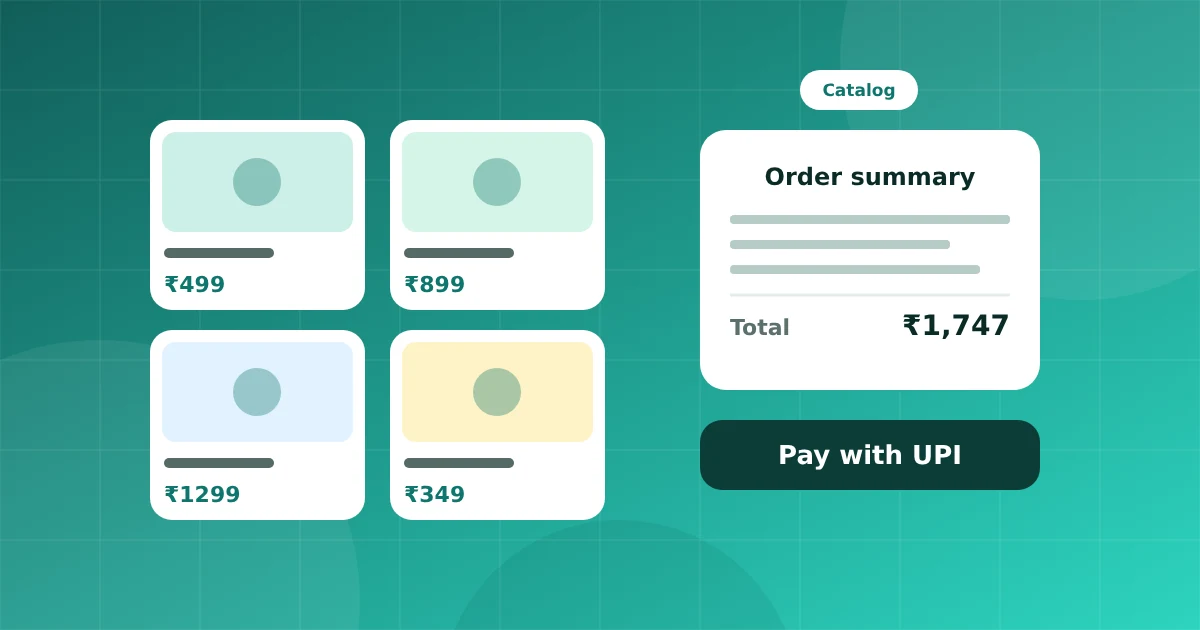
For many small and mid size businesses, the whole sales process already happens in chat: a customer asks, you send photos, you agree on a price, then you share bank details. A catalog and payment links tidy up each of those steps.
Start with a catalog
A WhatsApp catalog is a list of products linked to your business account. Each product has a title, photo, price, description and optional link. Customers can browse it in the chat and send you the items they want.
Good product data makes all the difference: clear photos, accurate prices and short descriptions in plain words.
Share products in a conversation
You can send a single product, a few products or the full catalog. In a panel like UnboxChat you pick products from a list and send them as a message, so you do not search for photos in a phone gallery.
Take the order
When customers choose items, you receive a message with the list. Confirm quantity, address and delivery date. A short form can collect address and phone details in a structured way instead of free text.
Collect payment
Payment links are simple and widely used. You create a link for the order amount and send it in the chat. The customer pays through UPI, card or net banking and you see the status. Check which payment options are available for your account and country.
Keep records tidy
Save orders against the contact so any agent can see what the customer bought. Tag repeat buyers and send them updates about new arrivals.
Order updates by template
After payment, send utility templates for confirmation, packing, dispatch and delivery. These reduce "where is my order" questions. If you want to cut them further, add a keyword like "track" that replies with the latest status.
Photos and policy
Meta's commerce policy limits what you can sell. Prohibited items include weapons, adult products and certain medical goods. Read the policy before you list items.
Tips for better sales
- Keep the catalog small and curated at first
- Update stock status quickly
- Use clear names that match how customers search
- Reply fast, because buyers chat with several shops at once
When the sales flow lives in one chat, you answer faster, make fewer mistakes and know exactly what every customer has bought.