
WhatsApp Cloud API Webhooks: A Developer Quick Start
Webhooks tell your server about new messages and status changes. Learn the handshake, signature check, payload shape and retry handling.
By UnboxChat Team
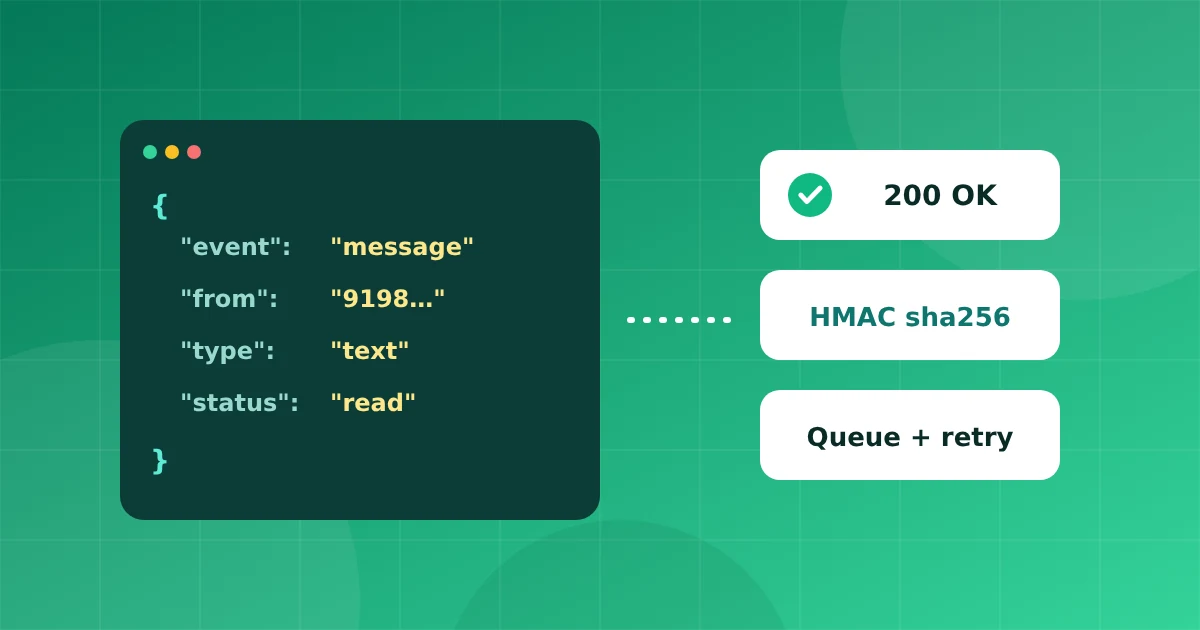
If you build on the WhatsApp Cloud API, webhooks are how you hear about the world: incoming messages, delivery updates, template status changes. Here is a quick start for a reliable receiver.
How webhooks flow
- A customer sends a message, or a message you sent changes status
- Meta sends an HTTPS POST request to your callback URL
- Your server replies with
200quickly - You process the payload in the background
Step 1: Verify the endpoint
When you add a callback URL in the Meta app settings, Meta sends a GET request with hub.mode, hub.verify_token and hub.challenge. Compare the token with the one you chose. If it matches, return the challenge value as plain text with status 200.
Step 2: Check the signature
Every POST includes an X-Hub-Signature-256 header. It is an HMAC SHA256 of the raw request body using your app secret, prefixed with sha256=. Compute it on the raw bytes, not on re-encoded JSON, and compare using a constant time function. Reject requests that do not match.
const sig = 'sha256=' + crypto.createHmac('sha256', appSecret).update(rawBody).digest('hex');Step 3: Read the payload
The payload nests data under entry, changes and value. Look at value.messages for incoming messages and value.statuses for updates on messages you sent, such as sent, delivered, read and failed. Each message has an id, a sender, a timestamp and a type like text, image or interactive.
Step 4: Respond fast, work later
Return 200 immediately. Push the payload to a queue and handle it in a worker. If your endpoint is slow or fails, Meta retries for a while, so you may receive the same event twice.
Step 5: Be idempotent
Use the message id as a unique key. If you have seen it before, skip it. This protects you from duplicates during retries.
Step 6: Handle errors
Failed statuses include an error code and title. Log them, show them to agents, and decide whether to retry. Common reasons include a closed customer service window and a template that is not approved.
Testing locally
Expose your local server with a tunnel during development, and replay saved payloads in tests.
Forwarding events to your own systems
UnboxChat can also send outgoing webhooks to your server with a signed header, so your CRM or order system hears about new messages without reading Meta's raw format. See the API docs inside the panel for the exact fields.
A careful receiver, with signature checks, a queue and idempotency, will keep working as your volume grows.