Follow Up Facebook Lead Ads on WhatsApp Within Minutes
Leads from forms go cold fast. Learn how to bring Facebook lead form responses into WhatsApp and start a conversation while interest is high.
Click to WhatsApp ads open a chat instead of a web page. Learn how they work, how to greet new chats and how to follow up well.
By UnboxChat Team
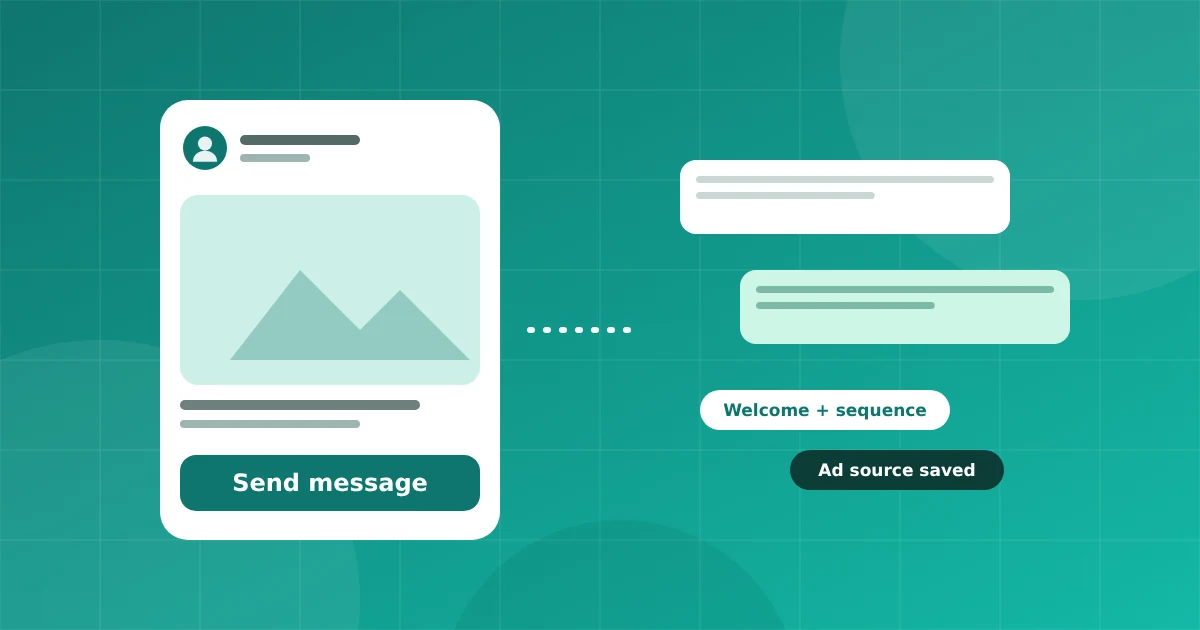
Click to WhatsApp ads, often called CTWA, are Meta ads that open a WhatsApp chat with your business when someone taps the button. For many businesses they are a better fit than a landing page, because customers can ask a question and get an answer right away.
People are used to chatting on WhatsApp. A chat feels lower effort than filling in a form, and you can answer objections in real time.
The first reply decides everything. Set an automatic welcome that thanks the person, confirms what they asked about and gives two or three buttons. Then let an agent take over.
Meta gives a longer free reply window for chats that start from an ad. Check Meta's current rules for the exact length and use it to answer generously. After it ends you need a template.
Not everyone replies the first time. Build a short sequence: a welcome, a reminder after a few hours and a helpful message the next day. Stop the sequence as soon as the customer replies, so they do not feel chased. In UnboxChat you can keep several sequences and choose one per ad.
When a chat starts from an ad, the message carries information about the ad. Save it with the contact so you can report leads and sales by campaign.
Track cost per chat, but also chats that became customers. A cheap click that never replies is not cheap. Work with your team to review chats every week and improve the ad and the greeting together.
Pair this with Facebook Lead Ads follow up if you also collect leads through forms.
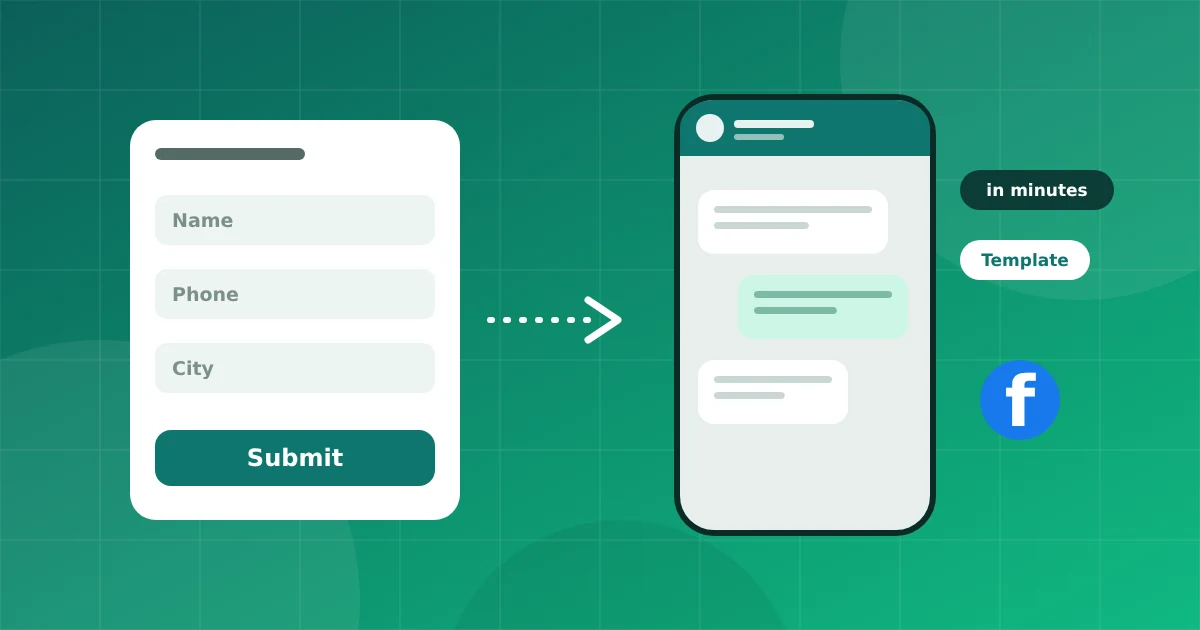
Leads from forms go cold fast. Learn how to bring Facebook lead form responses into WhatsApp and start a conversation while interest is high.
Connect your number in minutes. No credit card needed for the trial.