Click to WhatsApp Ads: How to Turn Ad Clicks Into Conversations
Click to WhatsApp ads open a chat instead of a web page. Learn how they work, how to greet new chats and how to follow up well.
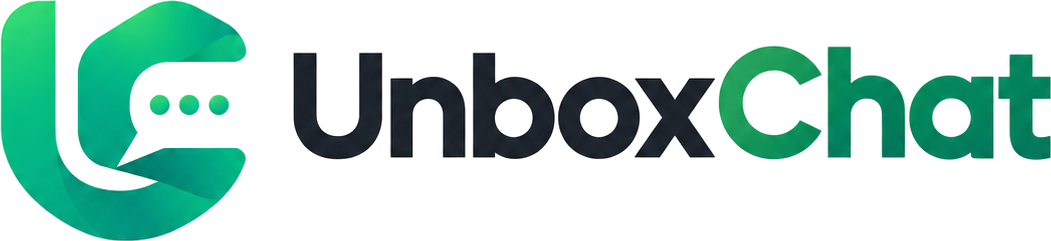
Leads from forms go cold fast. Learn how to bring Facebook lead form responses into WhatsApp and start a conversation while interest is high.
By UnboxChat Team
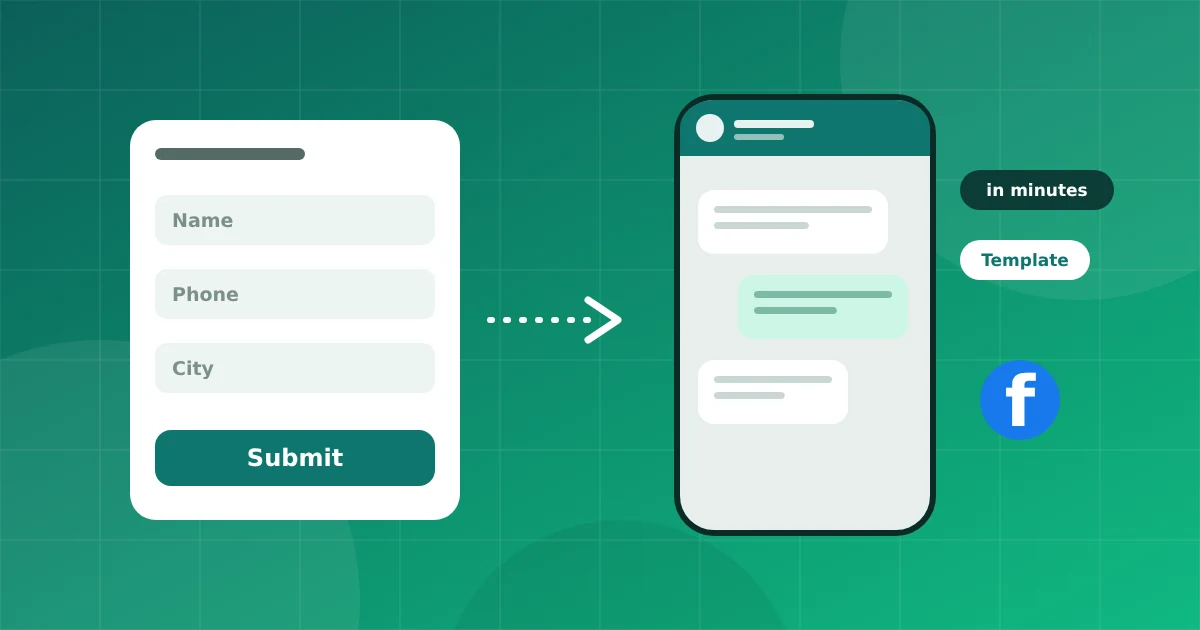
You run a lead ad, people fill in a form, and the leads land in a spreadsheet or a CRM. Hours later someone calls, and half the numbers do not pick up. A WhatsApp message sent within minutes often gets a better response.
A person who fills a form is thinking about your offer right now. The longer you wait, the more they move on. A quick, friendly message keeps you in their mind.
First connect the Facebook Page that runs the ads. Then choose the form you want to track. Each form can have its own message and rules. Keeping forms separate lets you send a different greeting for each product or project.
Because the person has not messaged you, the first message must be an approved template. Keep it short and relevant.
Hi {{1}}, thanks for your interest in {{2}}. I'm {{3}} from {{4}}. Is this a good time to share details?
Make sure your form clearly says the person agrees to be contacted on WhatsApp. Add a short consent line near the phone number field. It improves quality and protects you.
Make sure the form asks for a phone number in a clear format, and map form answers such as city or budget into contact fields. Agents then see the context without opening another tool.
If you need more details, use a WhatsApp form or a few buttons: "Buying in 1 month", "3 months", "Just exploring". Tag leads by their answer to prioritise follow up.
Check how many leads reply, how long the first reply takes, and which forms perform best. Fix the slowest step first, usually the delay between form and message.
For ads that open WhatsApp directly, see our Click to WhatsApp guide.
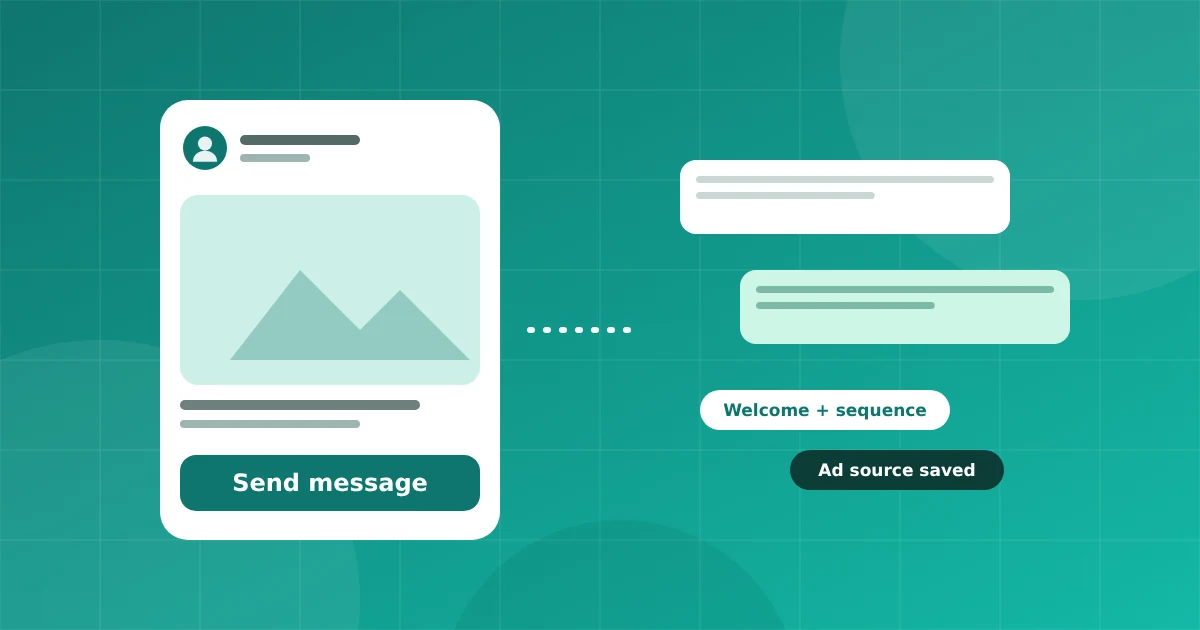
Click to WhatsApp ads open a chat instead of a web page. Learn how they work, how to greet new chats and how to follow up well.
Connect your number in minutes. No credit card needed for the trial.