WhatsApp Message Templates: Types, Rules and Examples
Templates are how a business starts a conversation. Learn the three categories, how variables work and examples you can adapt today.

Most rejections come from a handful of fixable mistakes. Use this checklist to get templates approved the first time.
By UnboxChat Team
You write a template, submit it, and wait. Then comes the rejection email with a vague reason. Most rejections have one of a few causes, and each is easy to fix.
The most common issue. If your text contains a promotion, a discount or a call to buy, it is a marketing template even if you labelled it utility. Pick the honest category. Utility templates must relate to a specific transaction or account event.
Fix by adding words around variables and by giving realistic samples such as "Rahul" and "ORD-1042".
Meta does not allow certain content such as adult services, gambling, weapons or misleading claims. Avoid threats, pressure language and anything that looks like phishing. Do not ask for sensitive data like card numbers or passwords inside a message.
Shortened links from public shorteners can cause rejection. Use your own domain. Make sure the link opens a real page that matches the message.
Too many line breaks, emojis in every sentence, or all capital letters look spammy. Keep the style calm and professional.
If two templates have the same text with different names, one can be rejected. Reuse the same template and change only the variables.
Read the reason shown in your panel, change the text, and submit it as a new template with a new name. Do not resubmit the same text unchanged.
For the basics of each category, see our templates guide.
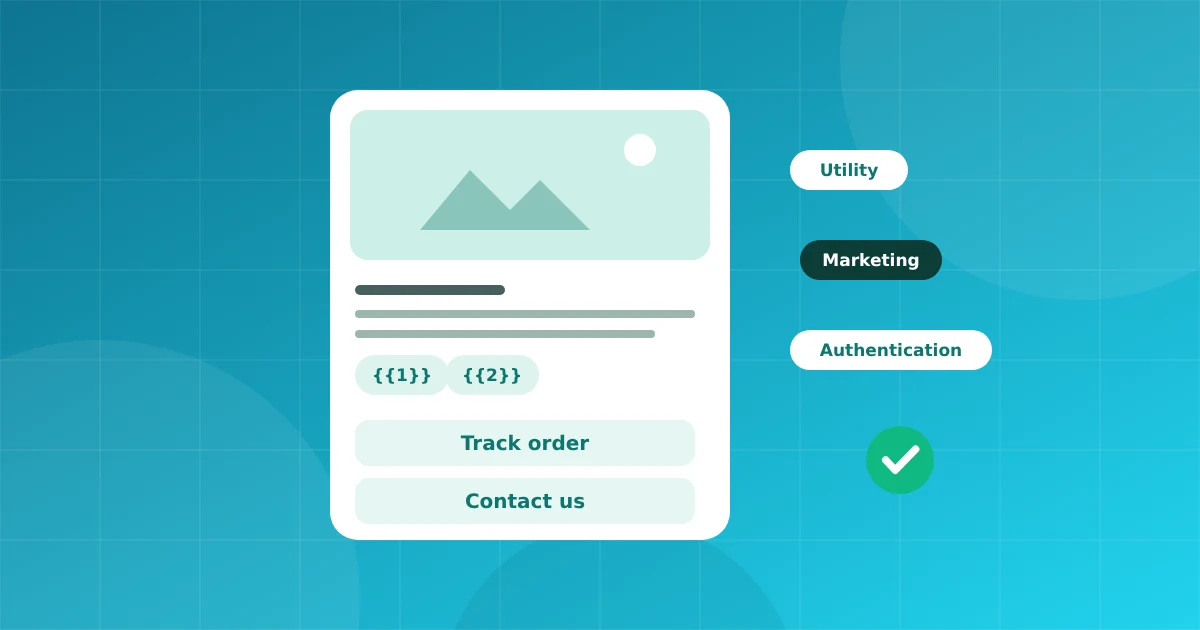
Templates are how a business starts a conversation. Learn the three categories, how variables work and examples you can adapt today.
Connect your number in minutes. No credit card needed for the trial.