Why WhatsApp Templates Get Rejected and How to Fix Them
Most rejections come from a handful of fixable mistakes. Use this checklist to get templates approved the first time.
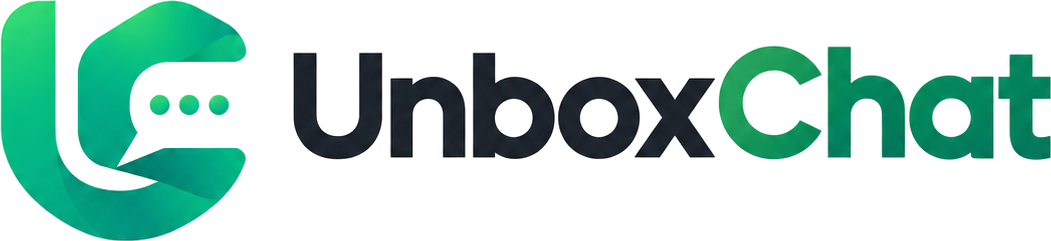
Templates are how a business starts a conversation. Learn the three categories, how variables work and examples you can adapt today.
By UnboxChat Team
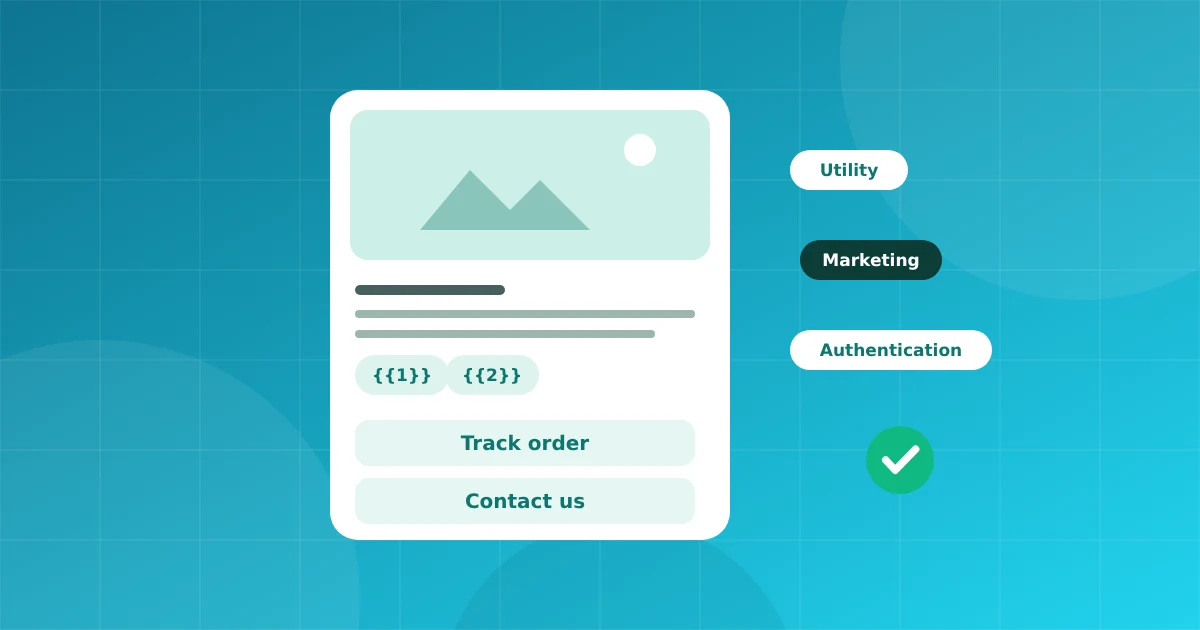
Whenever you message a customer outside the 24 hour window, you must use an approved message template. Think of it as a pre approved form with blanks you fill in for each person.
Utility messages relate to something the customer already did: an order confirmation, a delivery update, an appointment reminder.
Marketing messages promote something: an offer, a new product, a reminder to come back. They have stricter rules and a different price.
Authentication messages carry one time passwords. They have a fixed format.
Choosing the correct category matters. Meta can reassign a template to marketing if it reads like a promotion, which changes the cost.
Order update (utility)
Hi {{1}}, your order {{2}} has shipped and will arrive by {{3}}. Track it here: {{4}}
Appointment reminder (utility)
Hello {{1}}, this is a reminder for your visit on {{2}} at {{3}}. Reply 1 to confirm or 2 to reschedule.
Offer (marketing)
Hi {{1}}, our festive sale starts today. Get {{2}} off on your next order. Shop now: {{3}}
Variables must have sample values when you submit. Use realistic samples, not "test". Do not place two variables next to each other with no text between them, and do not start or end the body with a variable.
In UnboxChat you can send a test of any approved template to your own number and copy the ready made cURL for developers. This catches wrong variable order before a real campaign.
Approval can fail for small reasons. Our guide on getting templates approved lists the usual ones.
Most rejections come from a handful of fixable mistakes. Use this checklist to get templates approved the first time.
Connect your number in minutes. No credit card needed for the trial.