WhatsApp Business App vs API: Which One Does Your Business Need?
Both are official, but they solve different problems. Compare team size, automation, broadcasts and limits so you can choose without guessing.

The WhatsApp Business API lets a company talk to customers at scale with a team, automation and software. Here is what it is, what it costs you in effort, and who needs it.
By UnboxChat Team
If you have ever shared one phone between three people to answer customers on WhatsApp, you already know where that road ends. Messages get missed, nobody knows who replied, and one wrong tap can lock the number. The WhatsApp Business API exists to solve exactly this.
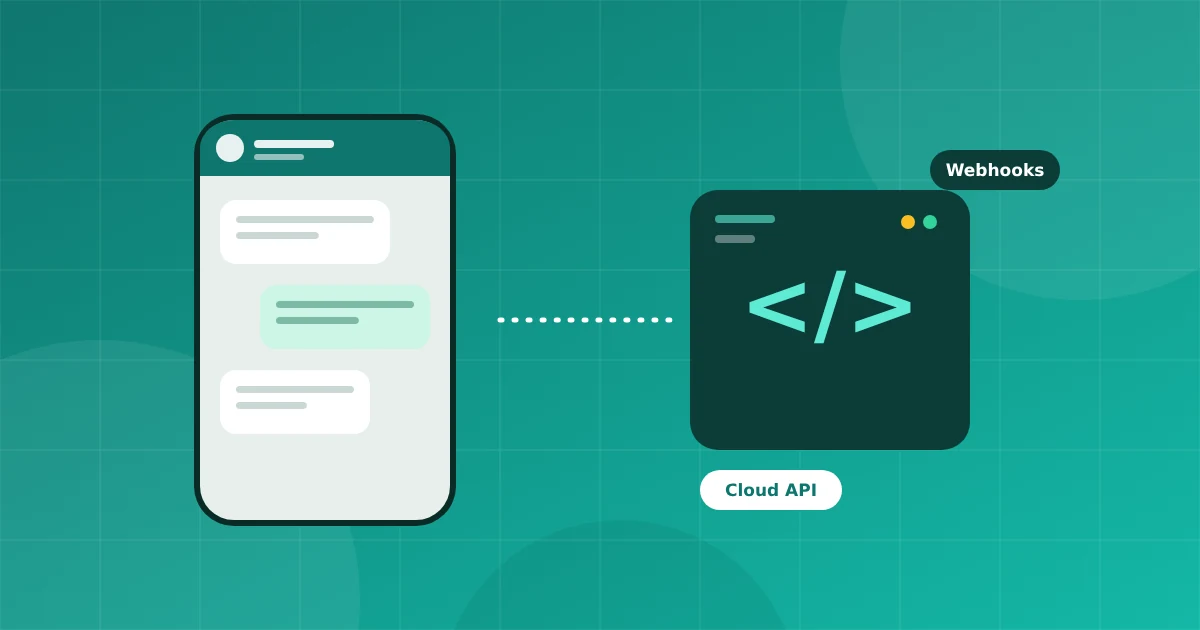
The WhatsApp Business API, now delivered mainly as the WhatsApp Business Cloud API, is the official way for a company to connect a WhatsApp number to software. Meta hosts the infrastructure. Your software, or a panel like UnboxChat, sends and receives messages through it.
There is no phone app to keep online. Messages arrive in your software, and many agents can work on the same number at once.
It is not a way to message anyone you like. Customers must opt in, and Meta enforces quality rules. It is also not free to run: Meta charges for most business started messages, while replies inside the customer service window are free under the current model. Always check Meta's pricing page for the latest rates in your country.
The WhatsApp Business app is built for one small team on a phone. The API is built for volume, automation and several agents. If you want to go deeper on the comparison, read our guide on the WhatsApp Business app versus the API.
You should consider it when you have more than two people answering chats, when you send the same message to hundreds of customers, or when you want automation that does not depend on someone watching a phone.
A platform makes steps two and three simple: you sign in with Meta, connect the number, and start working in a browser. That is the idea behind UnboxChat. You pay Meta directly for messages and pay us only a plan fee.
The API turns WhatsApp from a phone into a proper business channel. If customers already prefer WhatsApp, giving your team the right tools is one of the fastest ways to improve response time and sales follow up.
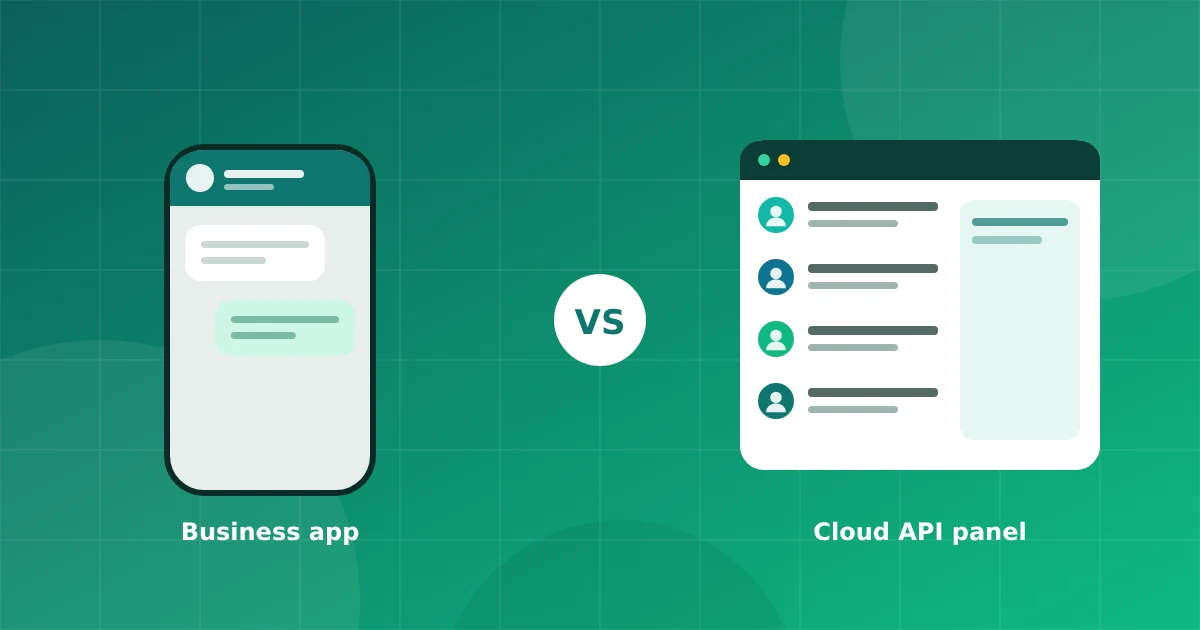
Both are official, but they solve different problems. Compare team size, automation, broadcasts and limits so you can choose without guessing.
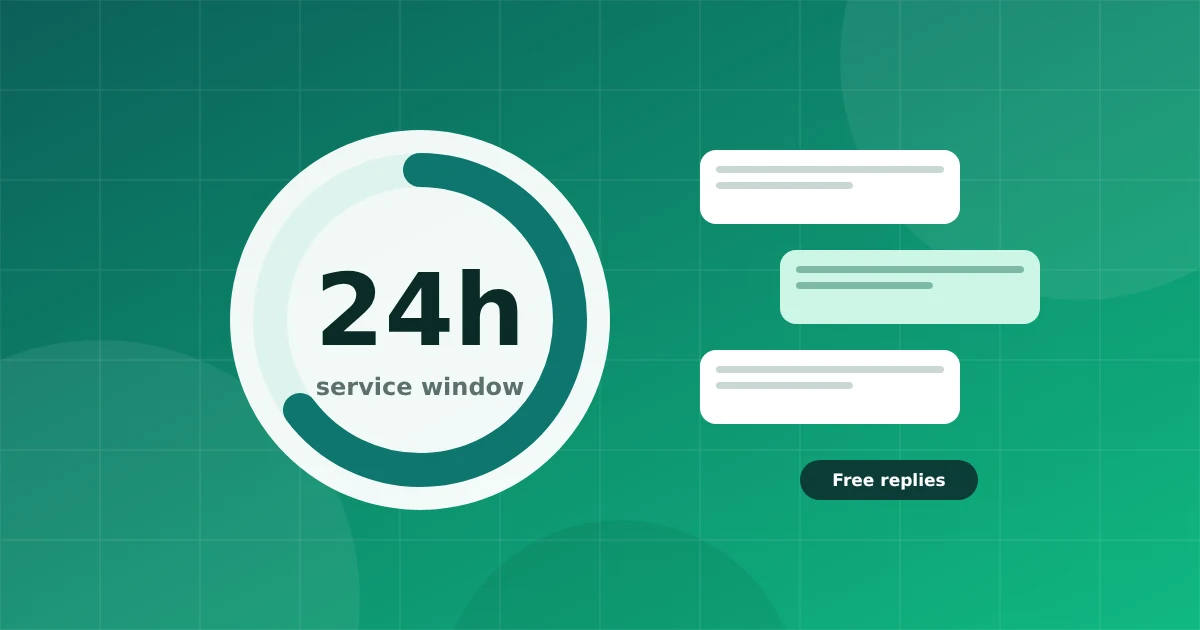
The 24 hour customer service window decides when you can send free form messages and when you must use a template. Here is how it works.
Connect your number in minutes. No credit card needed for the trial.