What Is the WhatsApp Business API? A Plain Guide for Growing Teams
The WhatsApp Business API lets a company talk to customers at scale with a team, automation and software. Here is what it is, what it costs you in effort, and who needs it.

The 24 hour customer service window decides when you can send free form messages and when you must use a template. Here is how it works.
By UnboxChat Team
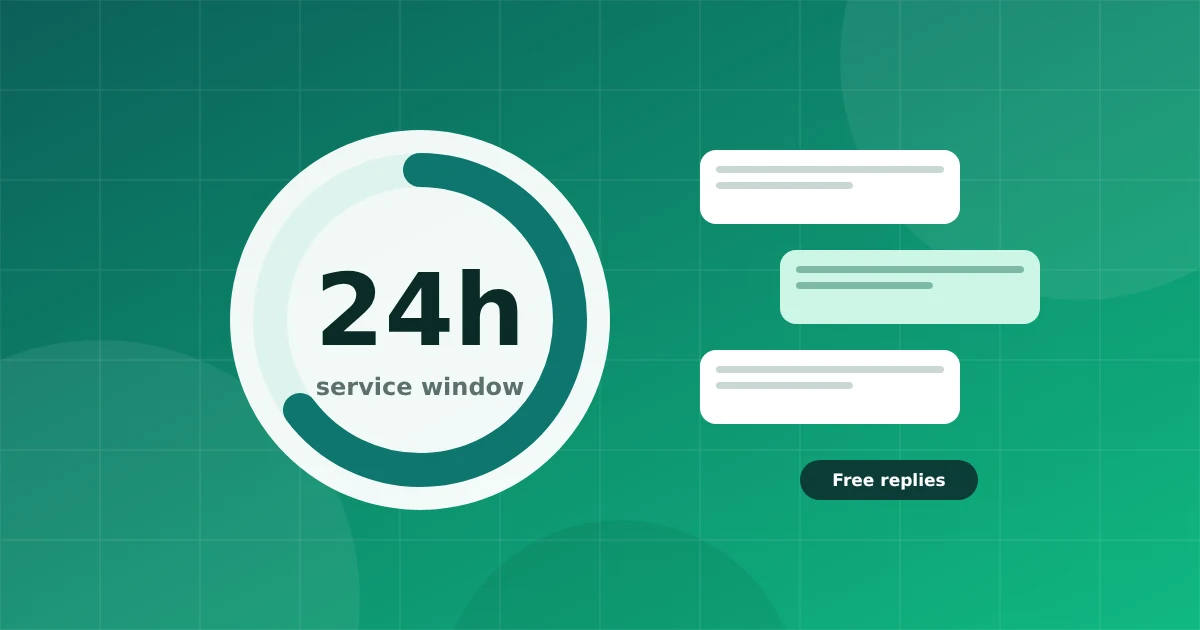
One rule shapes almost every WhatsApp business conversation: the 24 hour customer service window. Understanding it saves you from failed messages and surprise costs.
When a customer sends you a message, a 24 hour window opens. Inside the window you can reply with any message you like: text, images, documents, buttons, lists. When the customer writes again, the window starts over.
When the window is closed, you can only send an approved template message.
A customer messages you at 11 AM on Monday asking about delivery.
It protects people from unwanted business messages. A customer who starts a chat is saying they want to hear from you right now.
Under Meta's current model, replies sent inside the window are free, while template messages are charged per message by category and country. Prices change, so check Meta's official pricing before you plan a budget.
When a customer starts a chat from an ad that opens WhatsApp, Meta gives a longer window for your replies. Read our Click to WhatsApp ads guide for details.
Keyword replies and AI answers are free form messages, so they only work inside the window. Use them to answer quickly and, if the customer needs help later, switch to a template.
Keep this rule in mind when you design flows, and your messages will land every time.
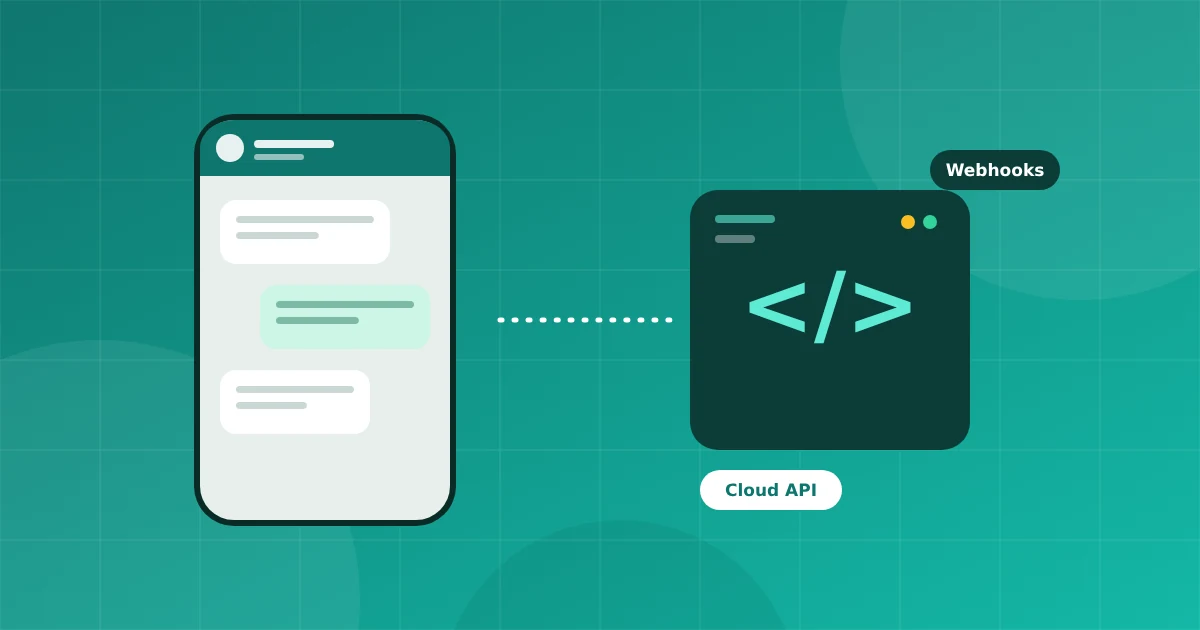
The WhatsApp Business API lets a company talk to customers at scale with a team, automation and software. Here is what it is, what it costs you in effort, and who needs it.
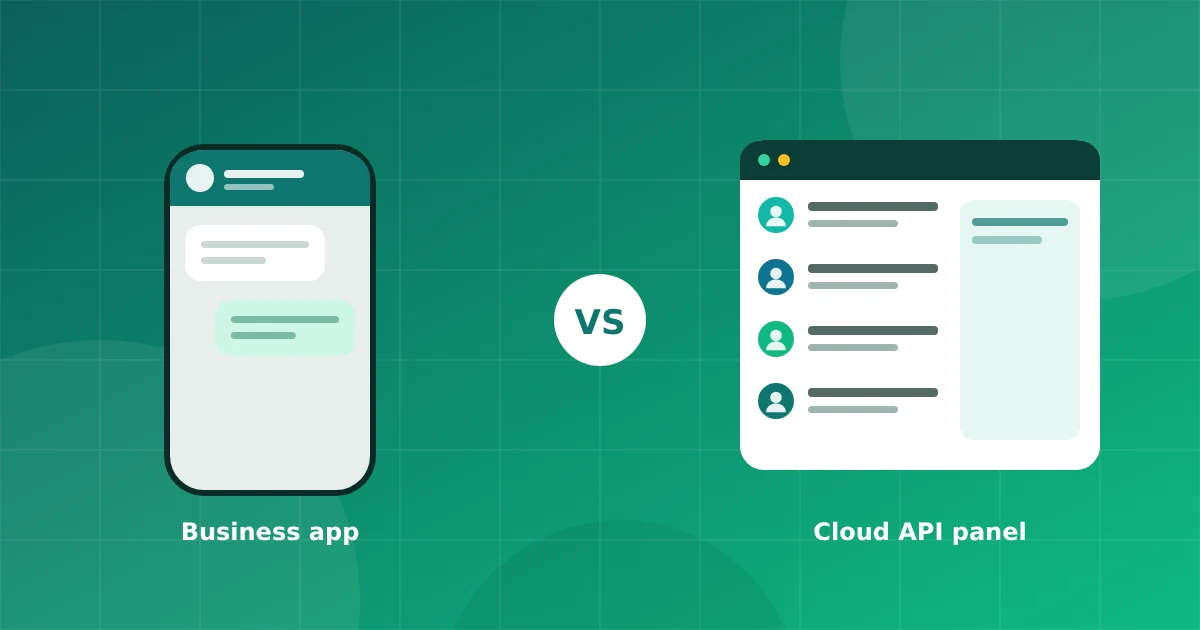
Both are official, but they solve different problems. Compare team size, automation, broadcasts and limits so you can choose without guessing.
Connect your number in minutes. No credit card needed for the trial.